How auto-reconnect works
Normally, LinkedIn connections can expire or disconnect over time. When that happens, users may need to reconnect manually to continue using LinkedIn-related features.
With auto-reconnect enabled, Content Swarm can reconnect your LinkedIn account automatically in the background when needed. This means fewer disruptions and a smoother experience overall.
Auto-reconnect only works after you approve it once.
What you need to do
Each user is required to log in once to review and approve auto-reconnect.
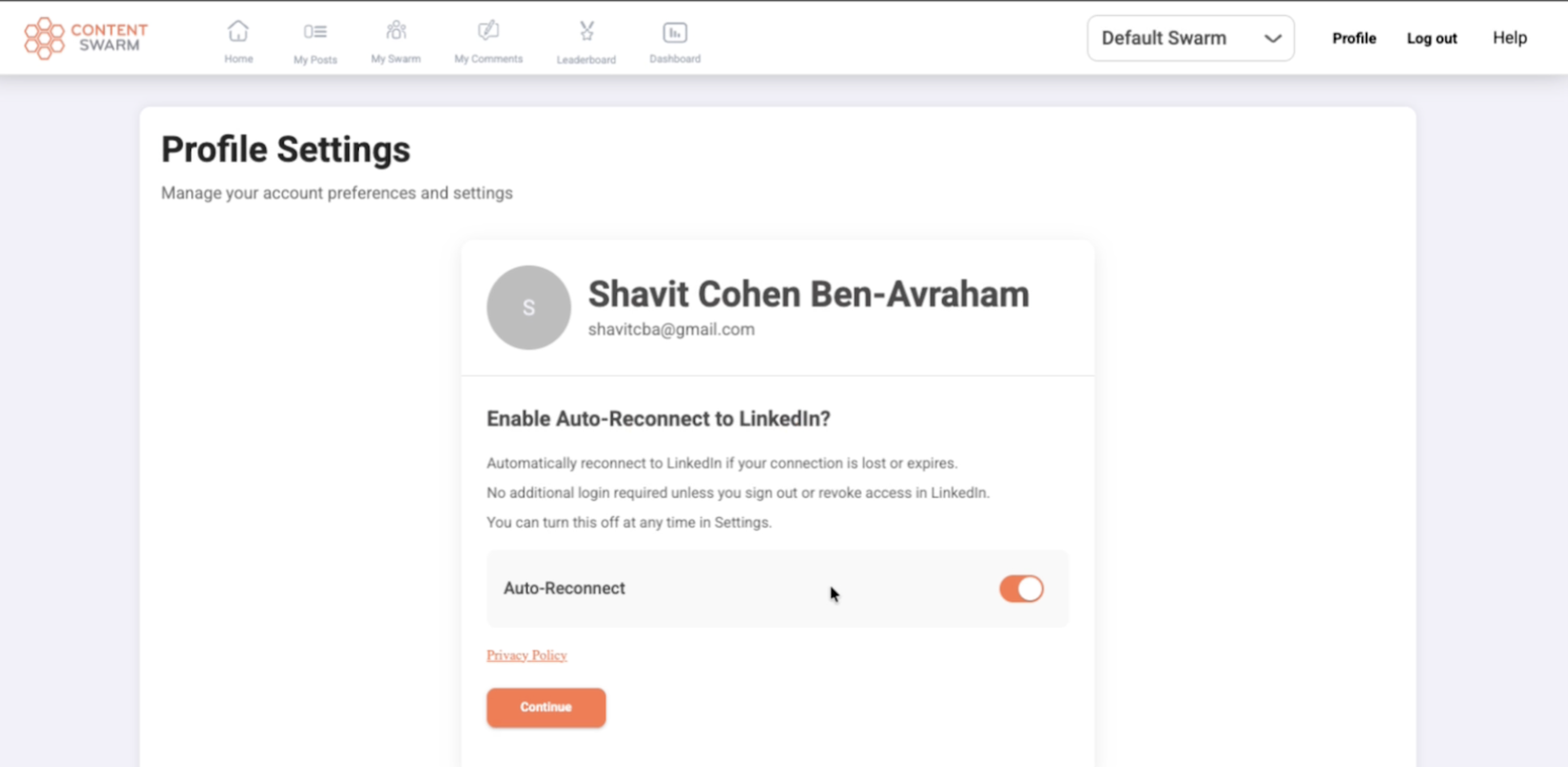
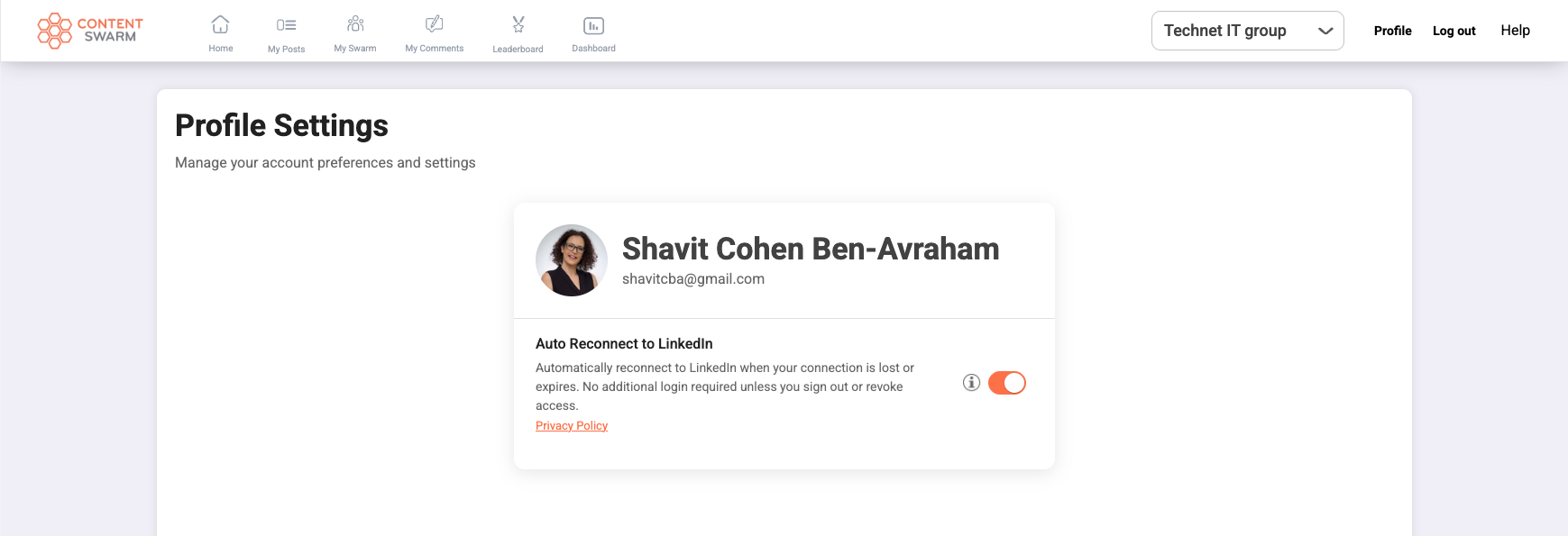
If this is your first login, or if you connected before auto-reconnect was introduced, you will be redirected to the Profile Settings page. This allows you to see the auto-reconnect information and decide whether to enable it.
After approval, no further action is required.
Why you may be redirected to Profile Settings
The redirect happens only when approval is needed.
This ensures that every user:
Is aware of the auto-reconnect capability
Can actively choose whether to enable it
Once you approve auto-reconnect, you won’t be redirected again.
What happens after approval
After you approve auto-reconnect:
Your LinkedIn connection stays active automatically
You don’t need to reconnect manually
Everything runs quietly in the background
You can continue using Content Swarm without interruptions related to LinkedIn connectivity.
Controlling auto-reconnect
Auto-reconnect is optional and fully under your control.
You can enable or disable it at any time from Profile Settings by using the Auto-Reconnect toggle. Your preference is saved immediately.
If you choose to disable auto-reconnect, your LinkedIn connection may expire or disconnect over time, and you may need to reconnect manually to continue using LinkedIn features.
Logging out or revoking access
If you intentionally log out of LinkedIn or revoke access, you will need to log in again to reconnect. In that case, you will also be asked to approve auto-reconnect again.
Once completed, automatic reconnection is restored.
Safety and privacy
Auto-reconnect only works after your approval and follows LinkedIn’s rules and privacy requirements. No action is taken without your consent.